How do I make a QR code for wedding photos?
Create a Momentral event and use the generated upload link or QR code. Share it on signs, invitations, table cards, or your wedding website.

Wedding QR code photos
With Momentral, your wedding QR code becomes the easiest way for unlimited guests to share photos and videos. Place it anywhere guests will see it, and every upload flows into one organized event gallery.
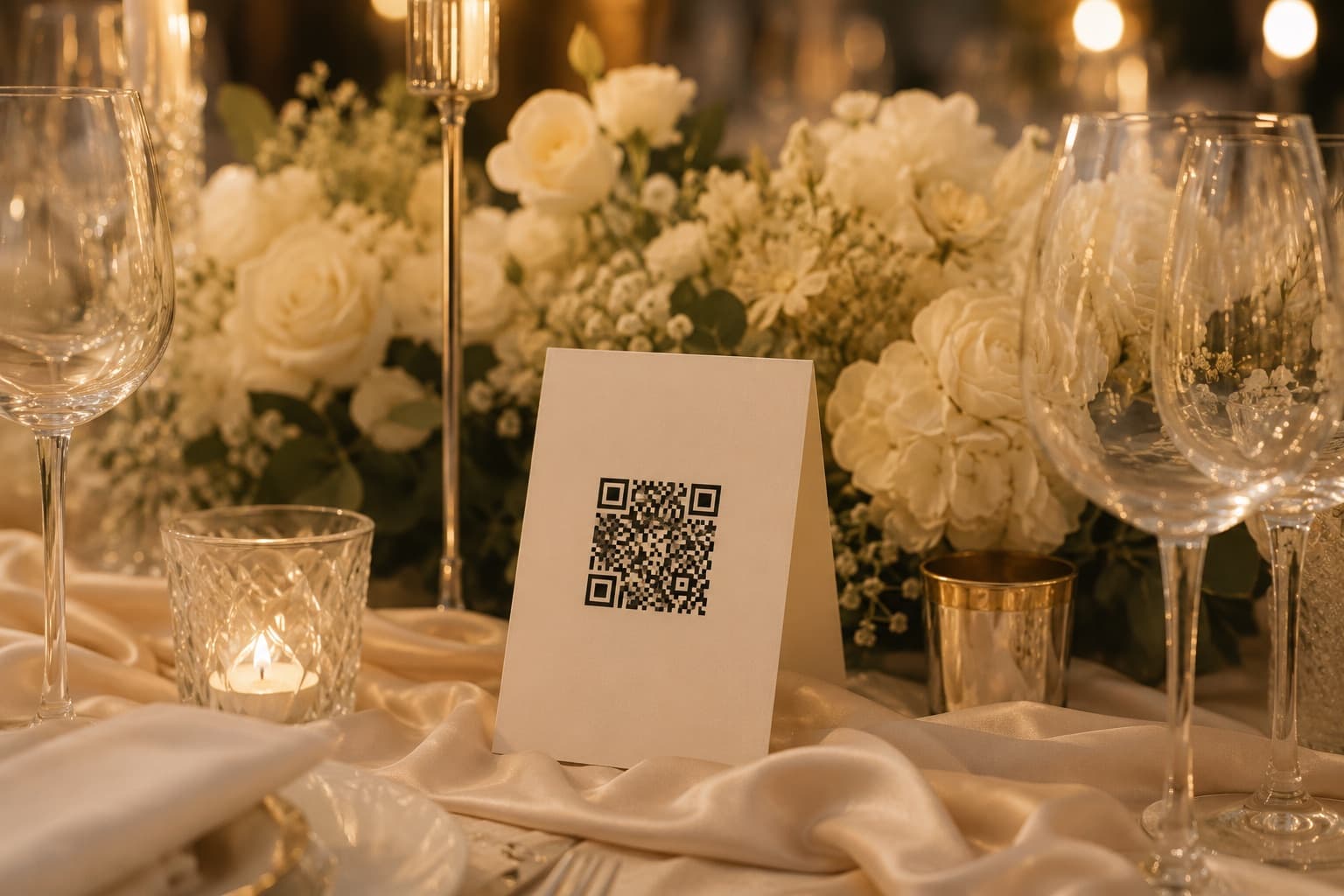
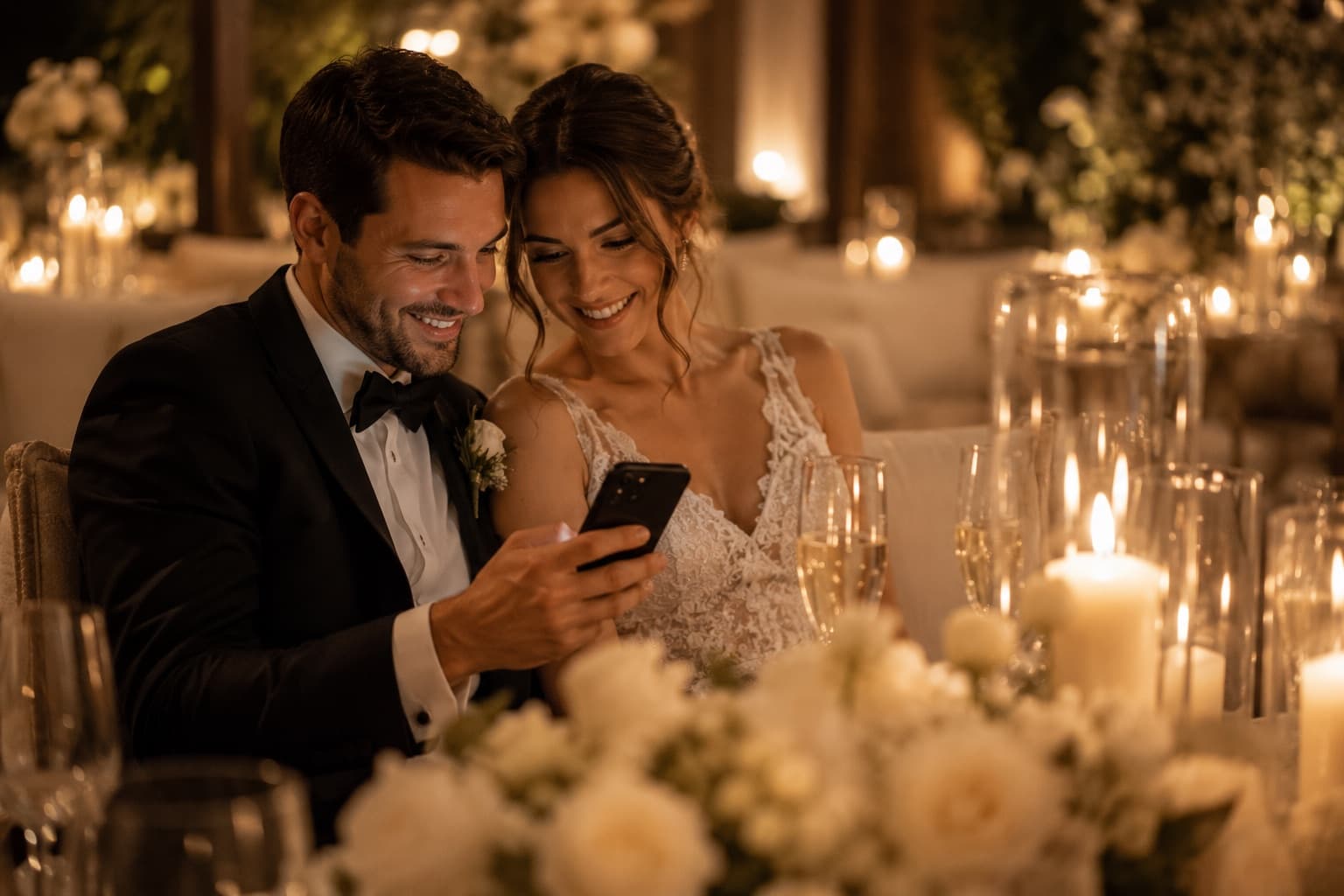
The best wedding photo collection system is the one guests actually notice. A QR code on signs, menus, table numbers, or the bar gives guests an easy action while they are taking photos.
Instead of asking people to send pictures later, Momentral lets them upload while the memory is still fresh.
Use one QR code across the whole wedding weekend: rehearsal dinner, ceremony, reception, after-party, and brunch.
Every plan includes photo and video uploads, original quality downloads, and unlimited guest participation.
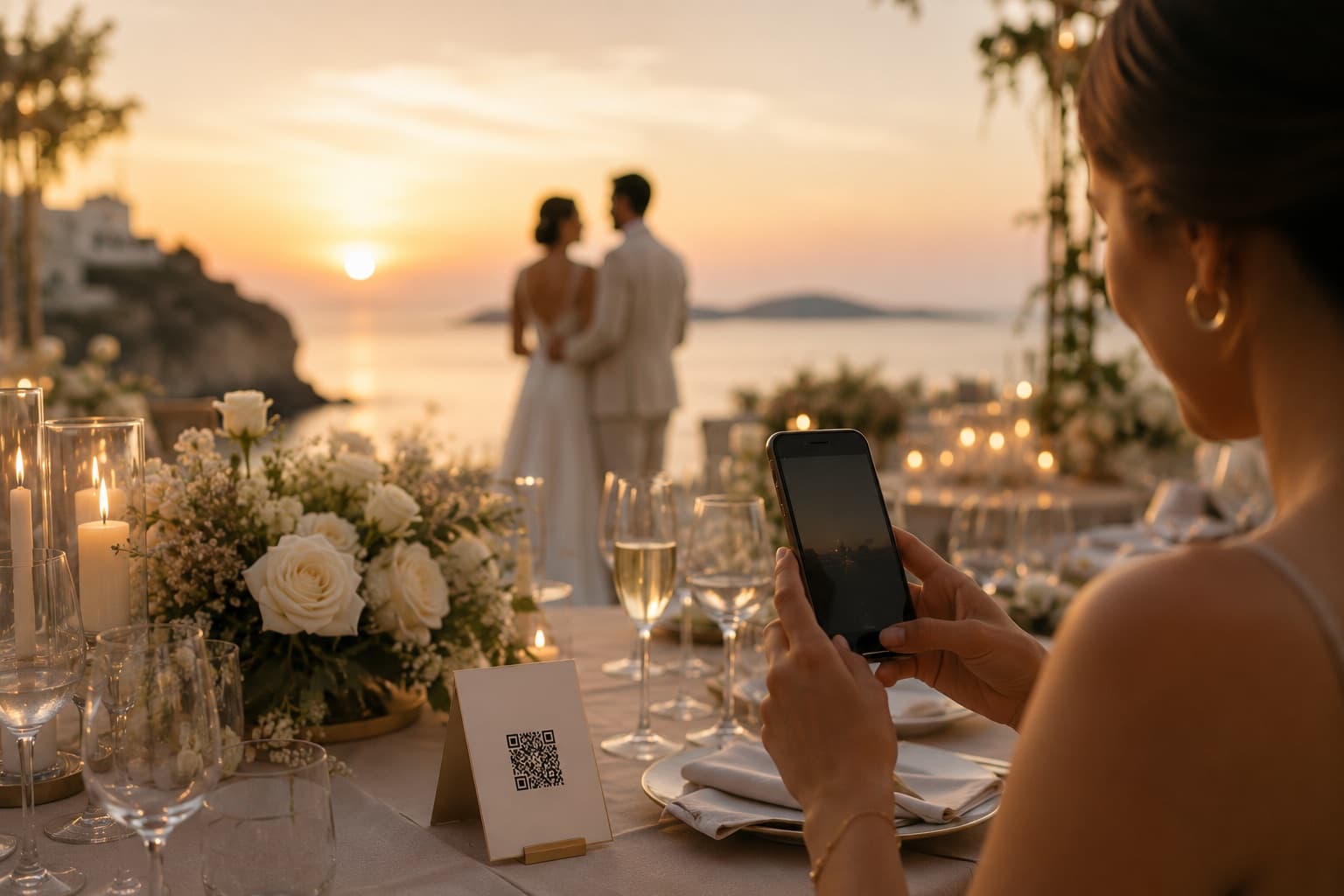
Disposable cameras are fun, but they add printing, scanning, quality, and collection problems. A Momentral wedding QR code keeps the spontaneous feeling while making uploads digital and organized.
Couples get more guest perspectives without chasing cameras, film, or missing files after the event.
Create a Momentral event and use the generated upload link or QR code. Share it on signs, invitations, table cards, or your wedding website.
Yes. Guests can scan the QR code and upload from their browser without installing anything.
Yes. Momentral supports unlimited guest participation for each event.
A hashtag is public and depends on social posting. A QR code creates a direct private upload flow into your own wedding gallery.
Create a Momentral event, share the QR code, and keep every wedding memory organized from the start.