How do guests upload wedding photos?
Guests scan your Momentral QR code or open the shared link, then upload photos and videos directly from their phone browser.

Wedding photo sharing app
Momentral gives couples a simple way to collect candid wedding photos and videos from unlimited guests. Share a QR code or link, and every guest can upload from any phone without downloading an app.
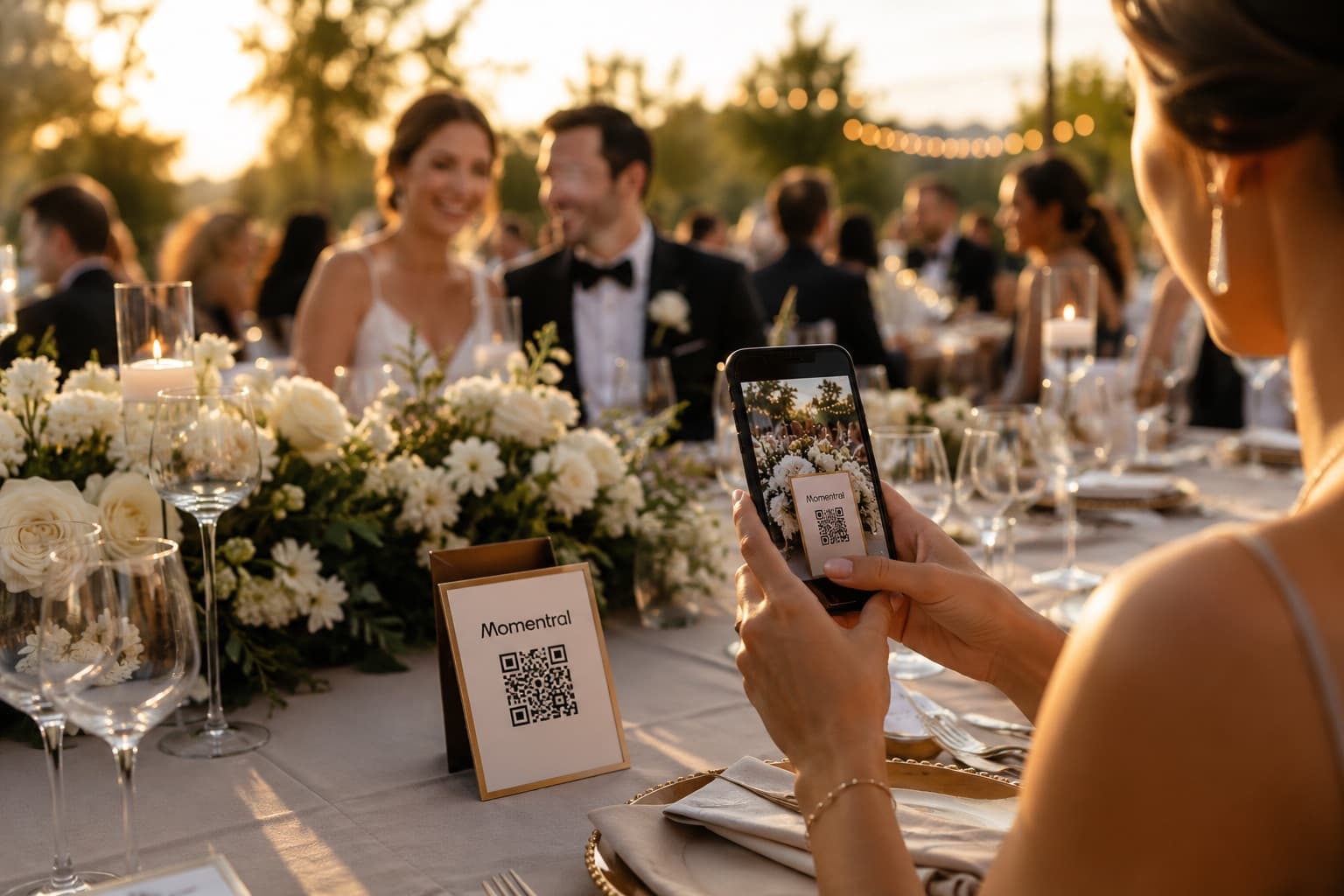
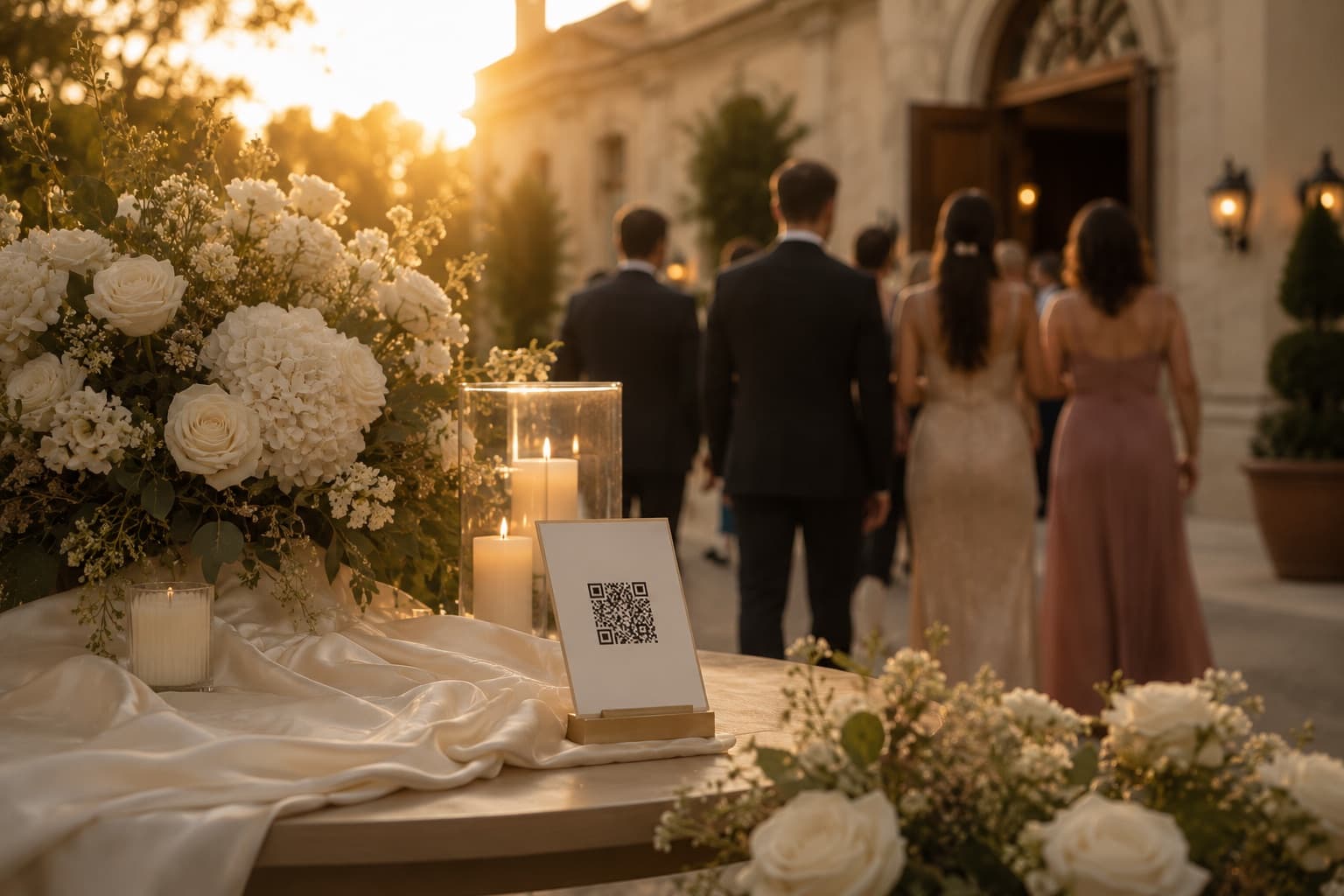
Guests capture moments your photographer may never see: getting ready, table reactions, dance floor videos, behind-the-scenes laughs, and details from every corner of the venue.
Those memories often stay scattered across phones, group chats, cloud links, and social media posts. Momentral turns that follow-up into one organized wedding gallery.
Every Momentral plan supports both photo and video uploads in original quality. You do not need a special guest limit plan just to collect the real moments people capture.
Hosts can view, organize, and download event media from one private space after the wedding.
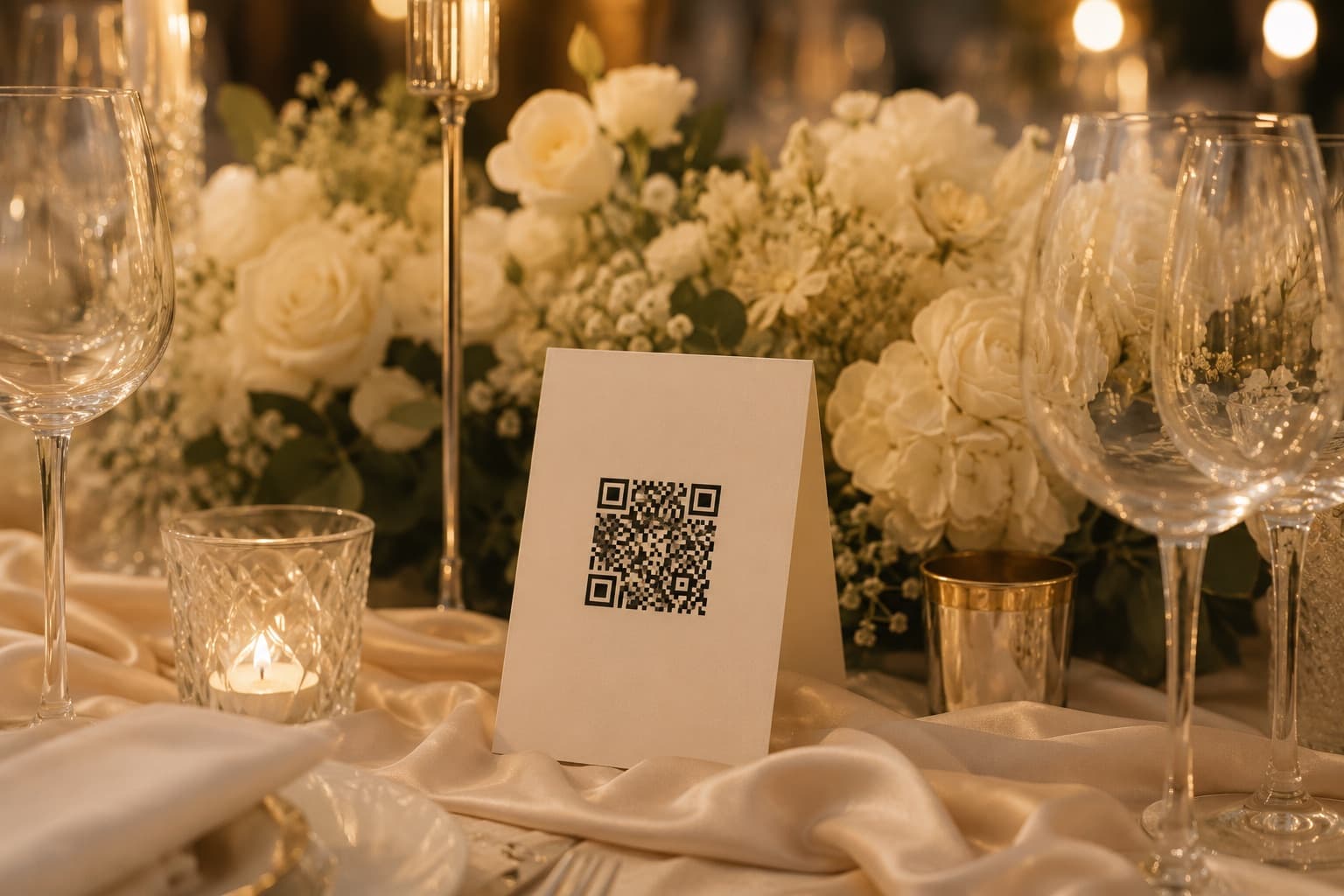
Some wedding photo tools limit how many people can join an event. Momentral is built for unlimited guest participation, so large weddings and busy receptions stay easy.
Guests upload through the browser from iPhone, Android, or desktop. The host can manage the event in the app, but guests do not need to install anything.
Guests scan your Momentral QR code or open the shared link, then upload photos and videos directly from their phone browser.
No. Guests can upload through a web browser on iPhone, Android, or desktop.
Yes. Every Momentral plan includes photo and video uploads in original quality.
No. Unlimited guests can join and contribute to an event.
Create a Momentral event, share the QR code, and keep every wedding memory organized from the start.